Your draft quote
Fault found
Proposed works
Scope of works
Labour
Materials
AI can make mistakes. Check it before you use it.
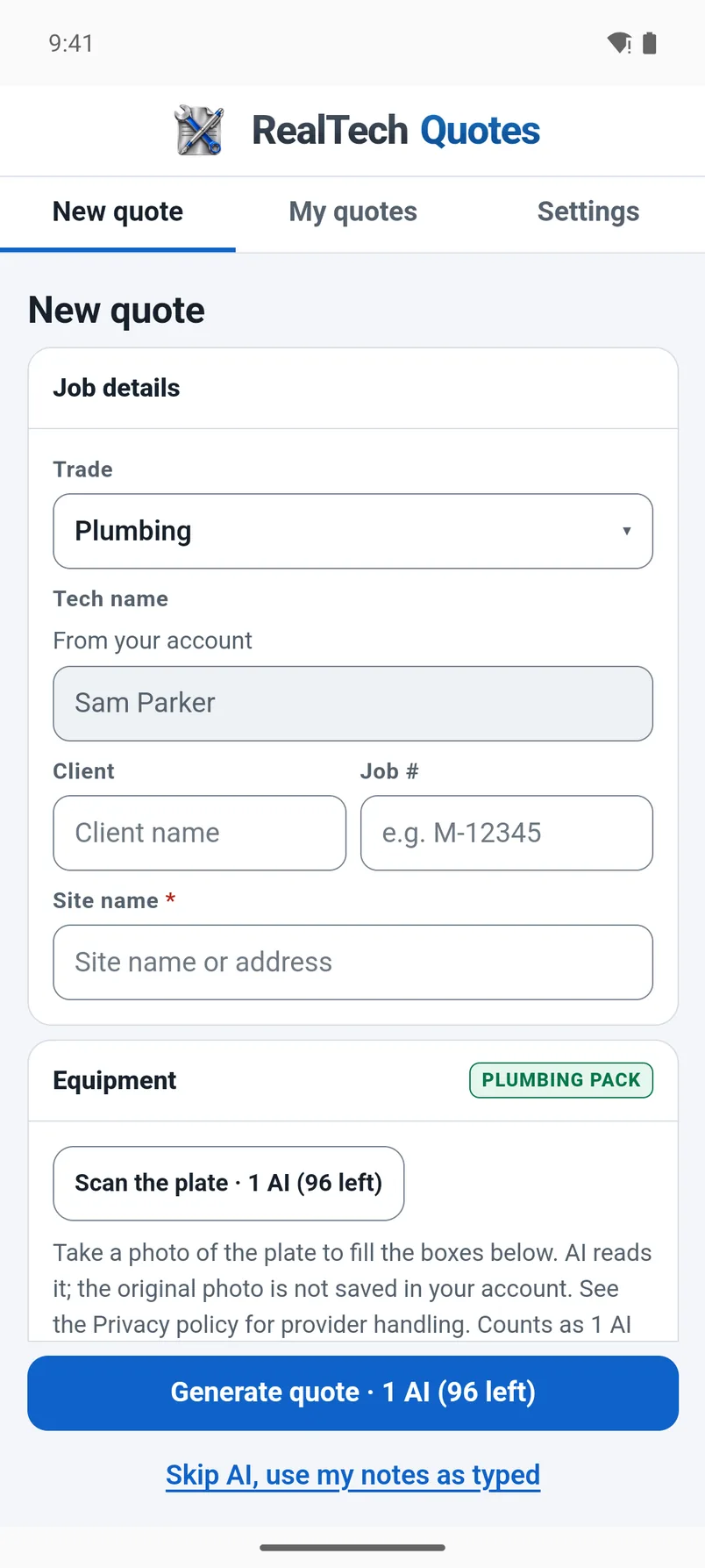
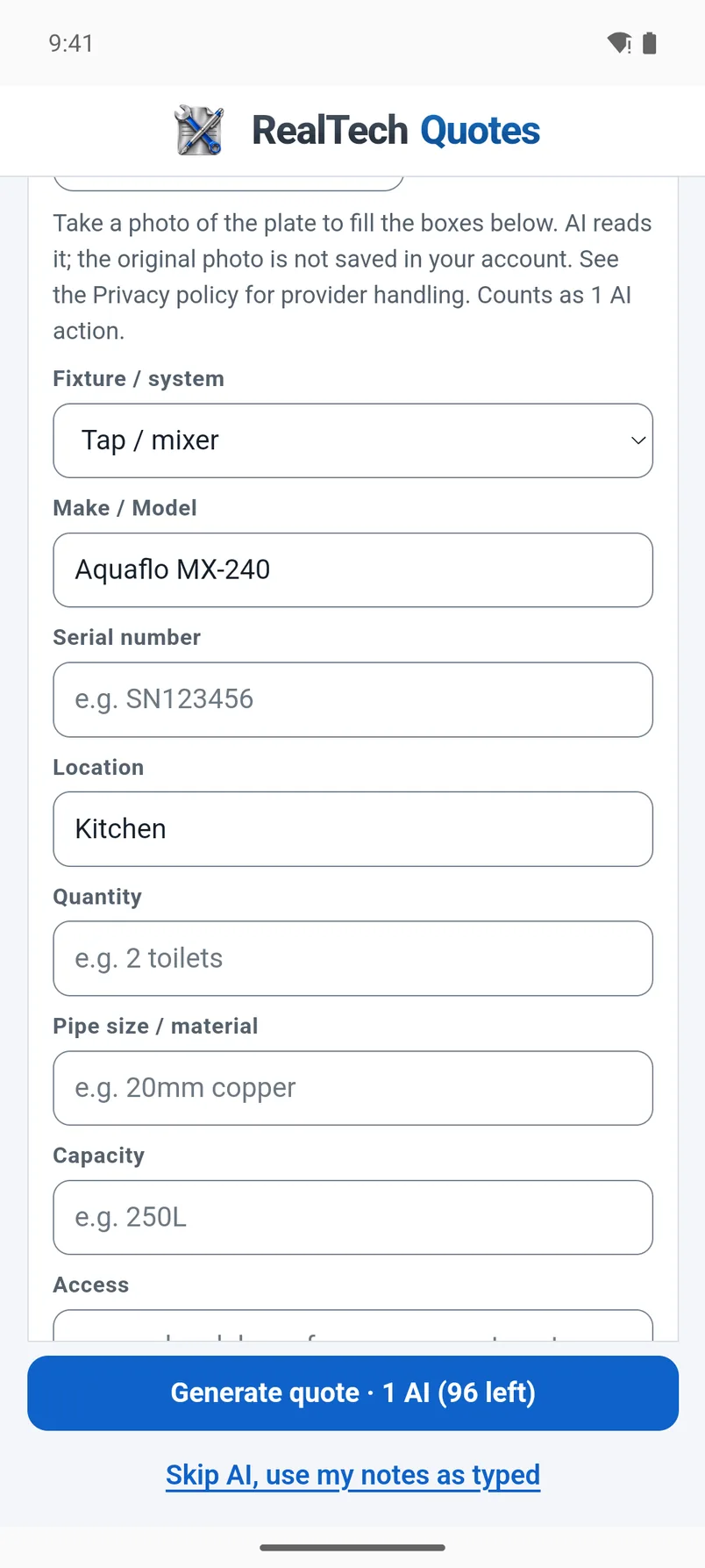
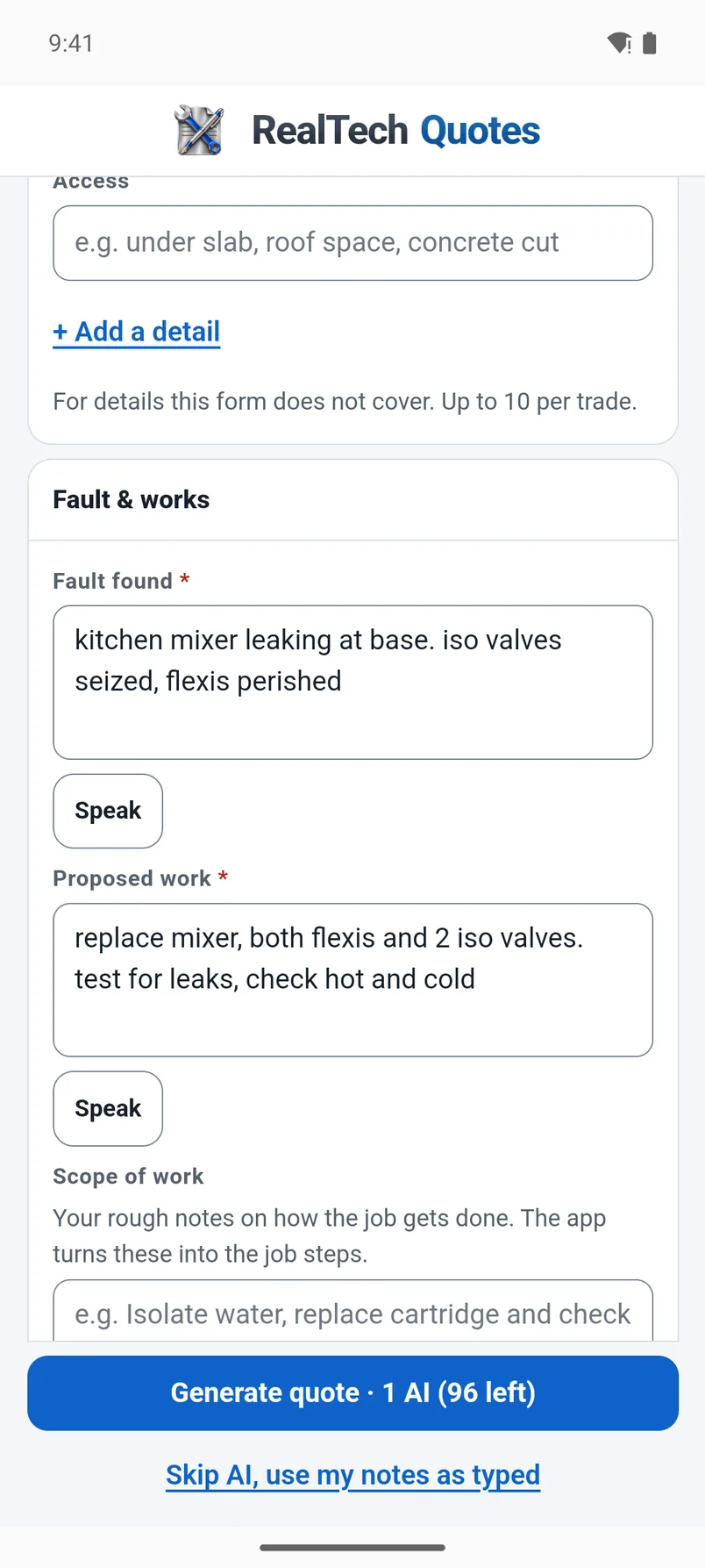
Real recordings and screenshots of the RealTech Quotes app. The video is paced so you can follow each step: the job details, the equipment, what you found and what you'll do, then the hours and the materials. The app writes the quote. You read it over, then copy it into your company's quoting software, save a PDF or send it to your office.
The job in these recordings is made up. No real client or site is shown, and the supplier prices are made up too. Watch the video, or scroll down for the screenshots.
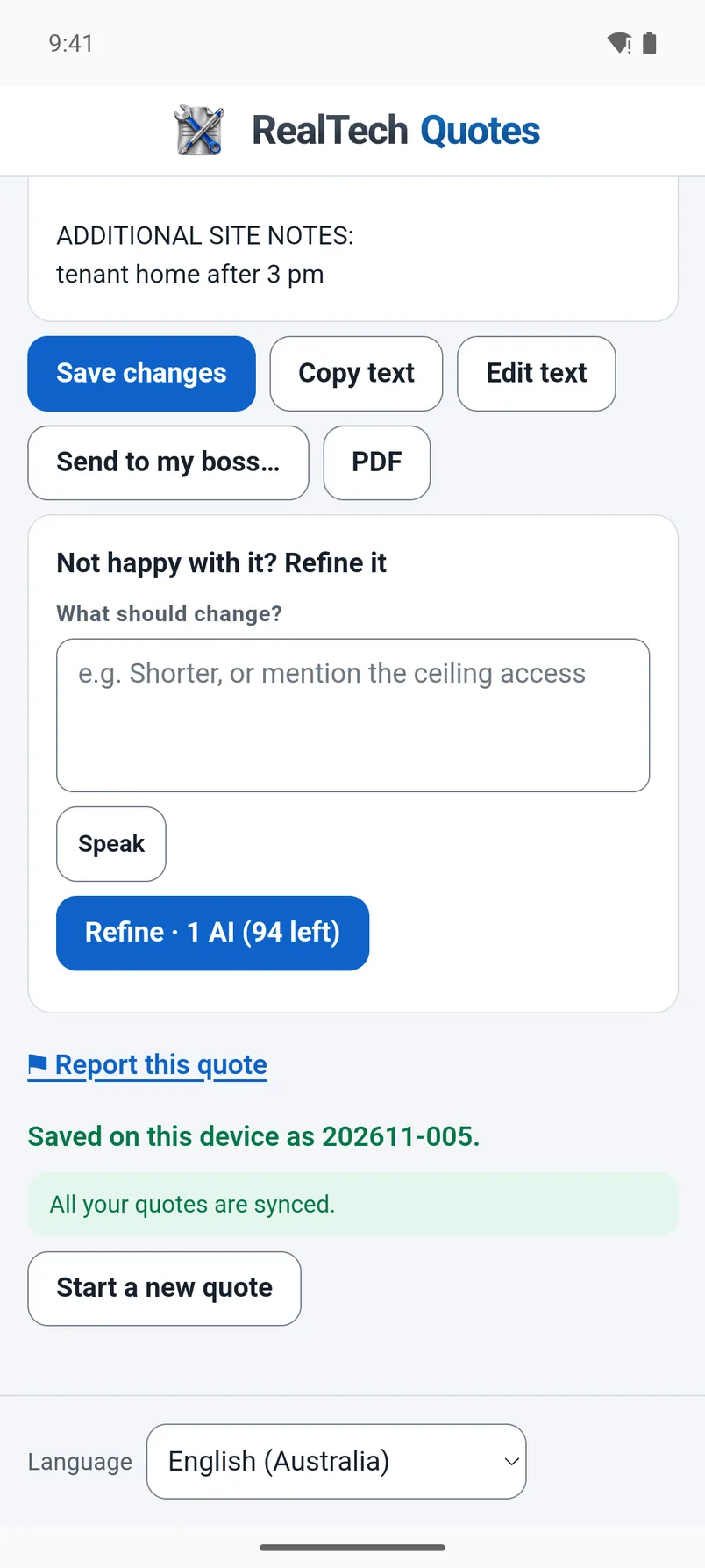
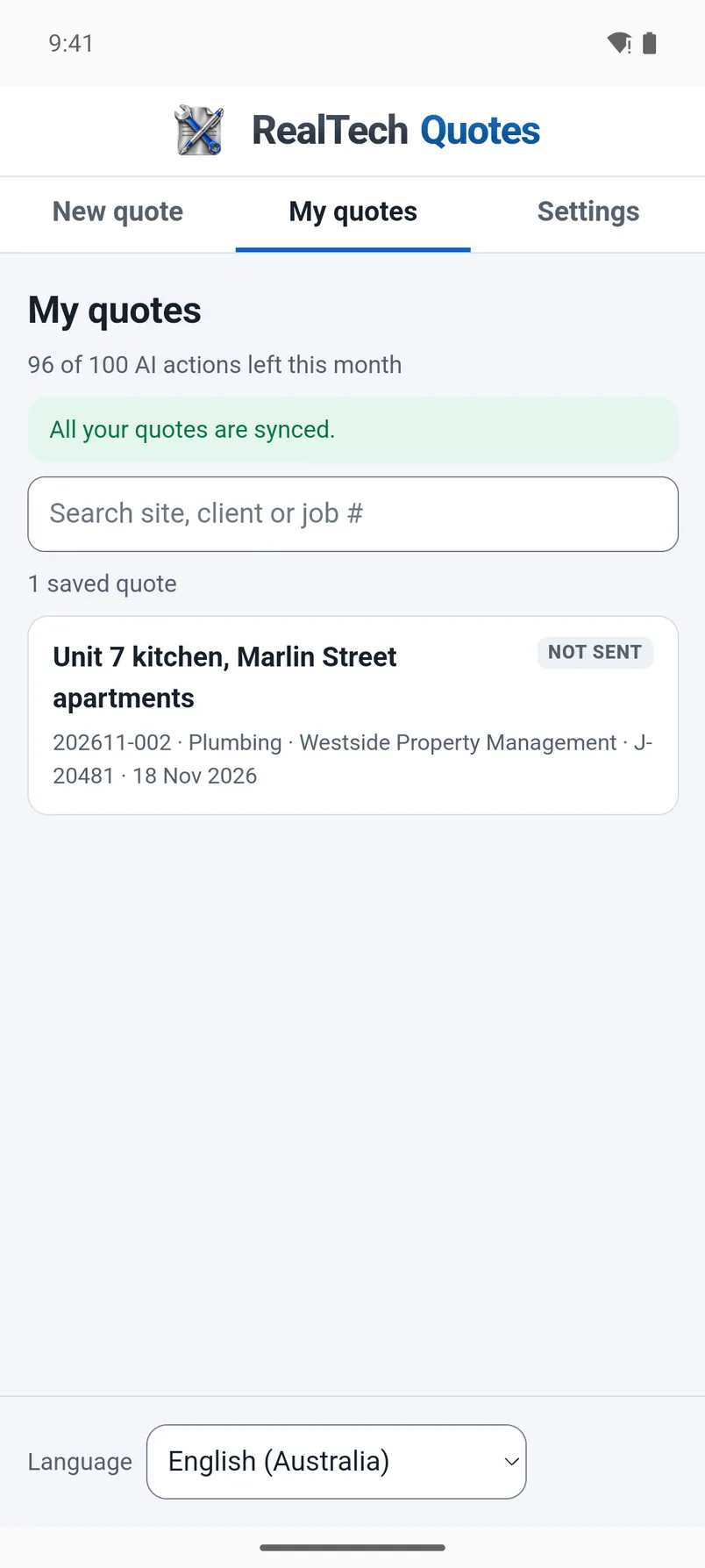
Nine screens, in order: from a blank New quote form to a saved quote.
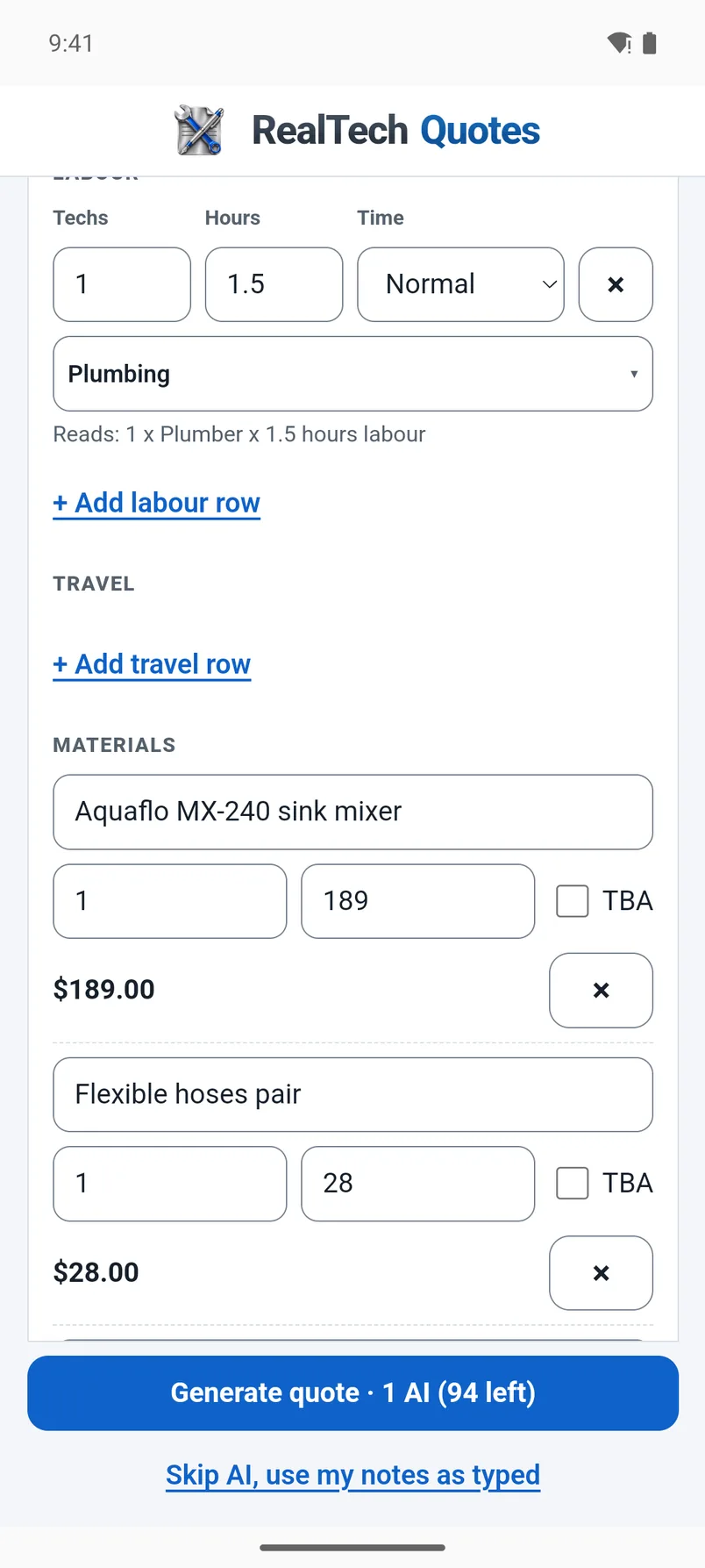
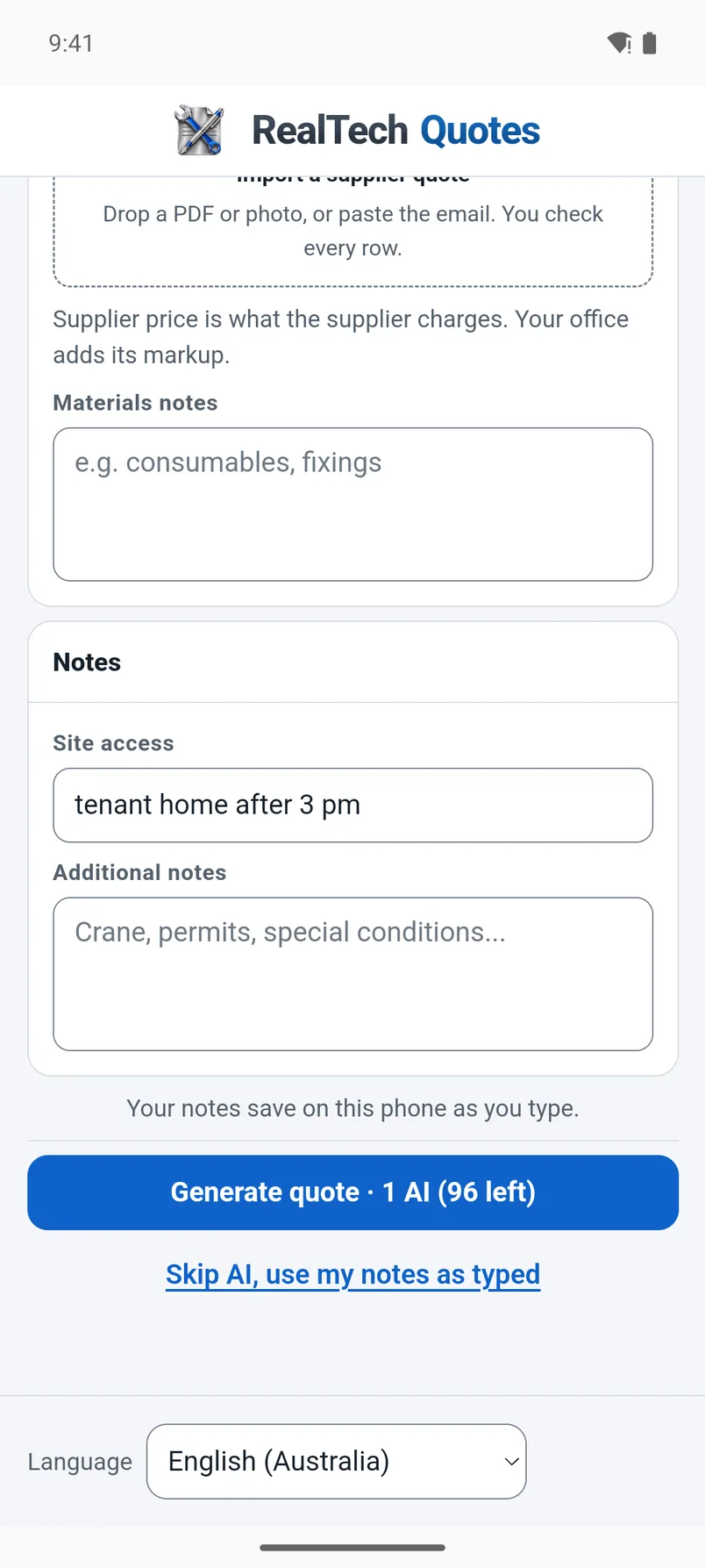
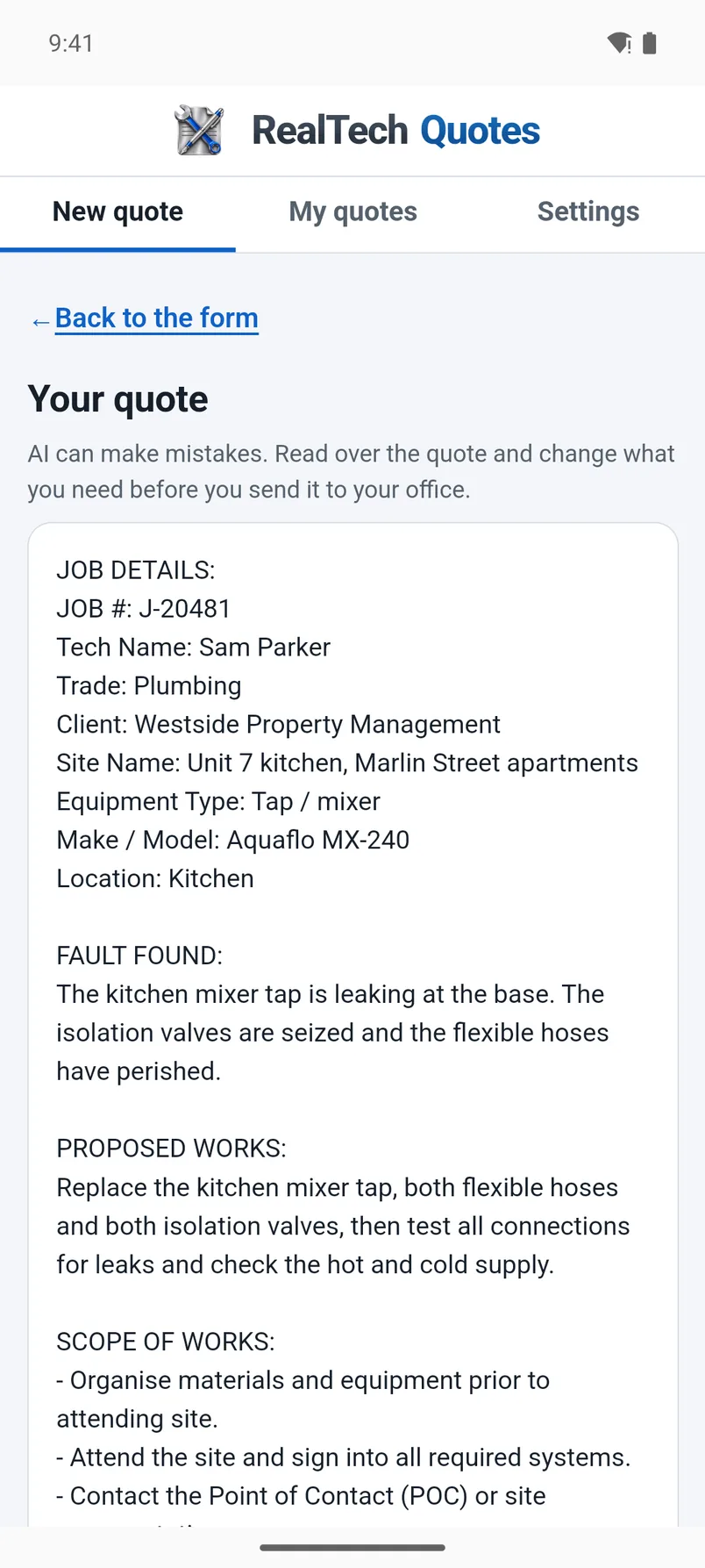
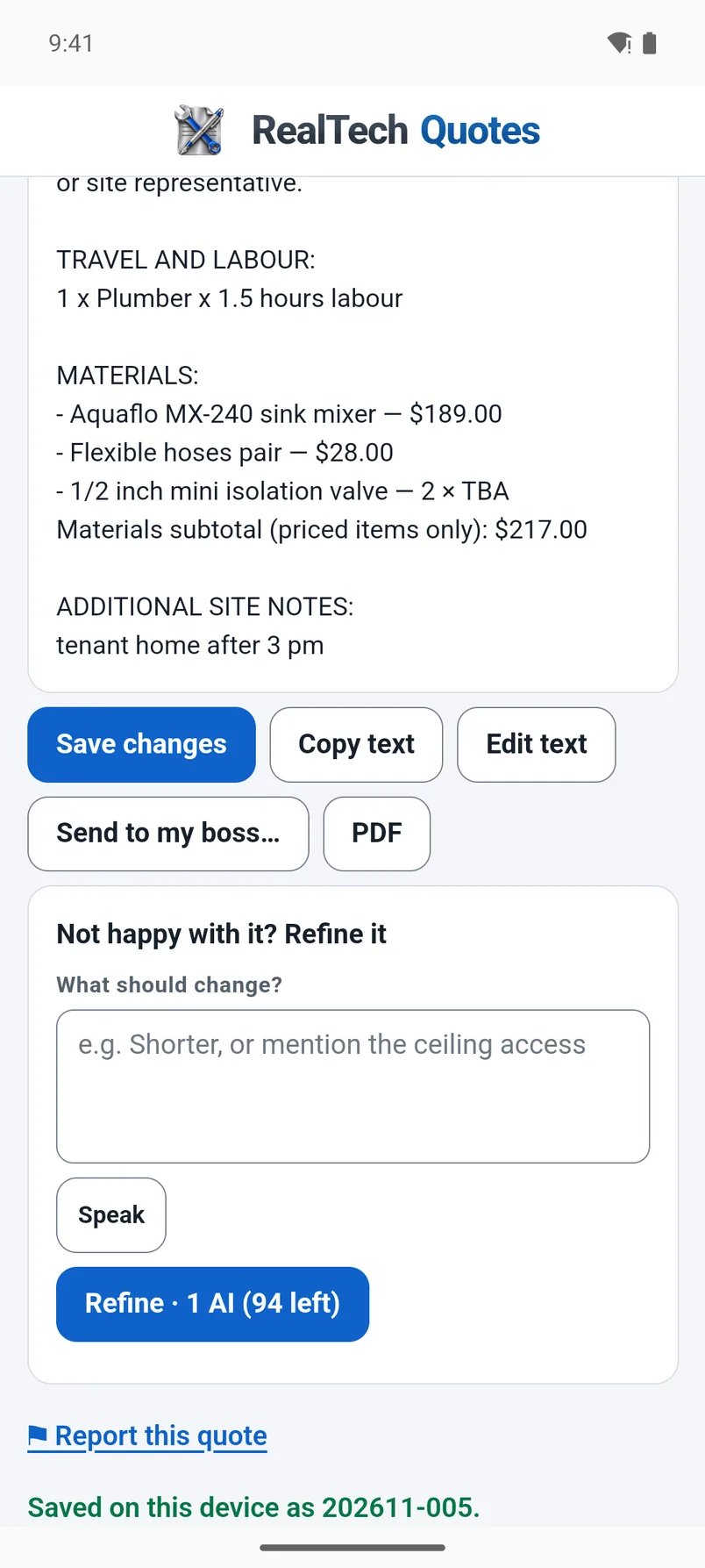
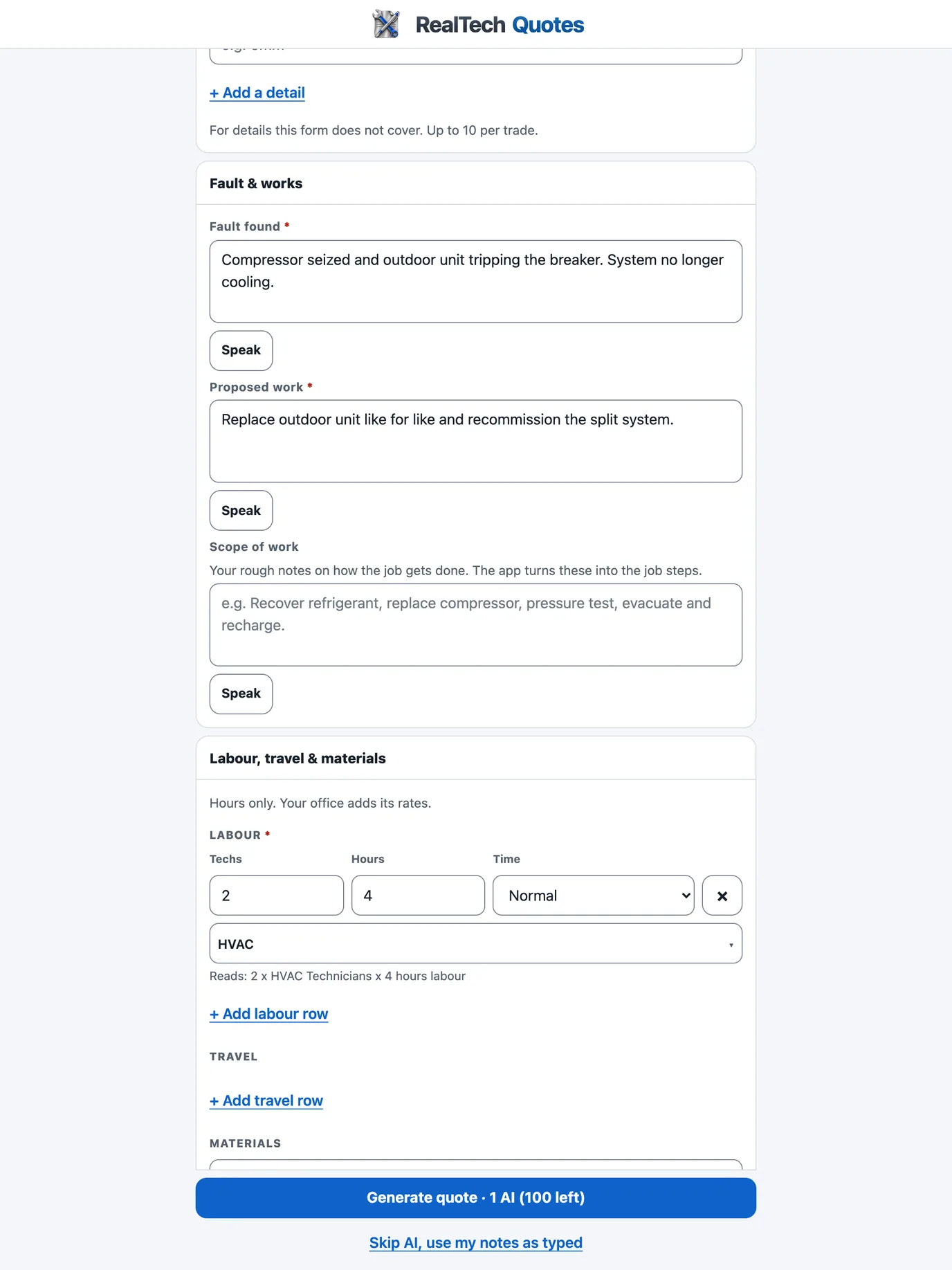
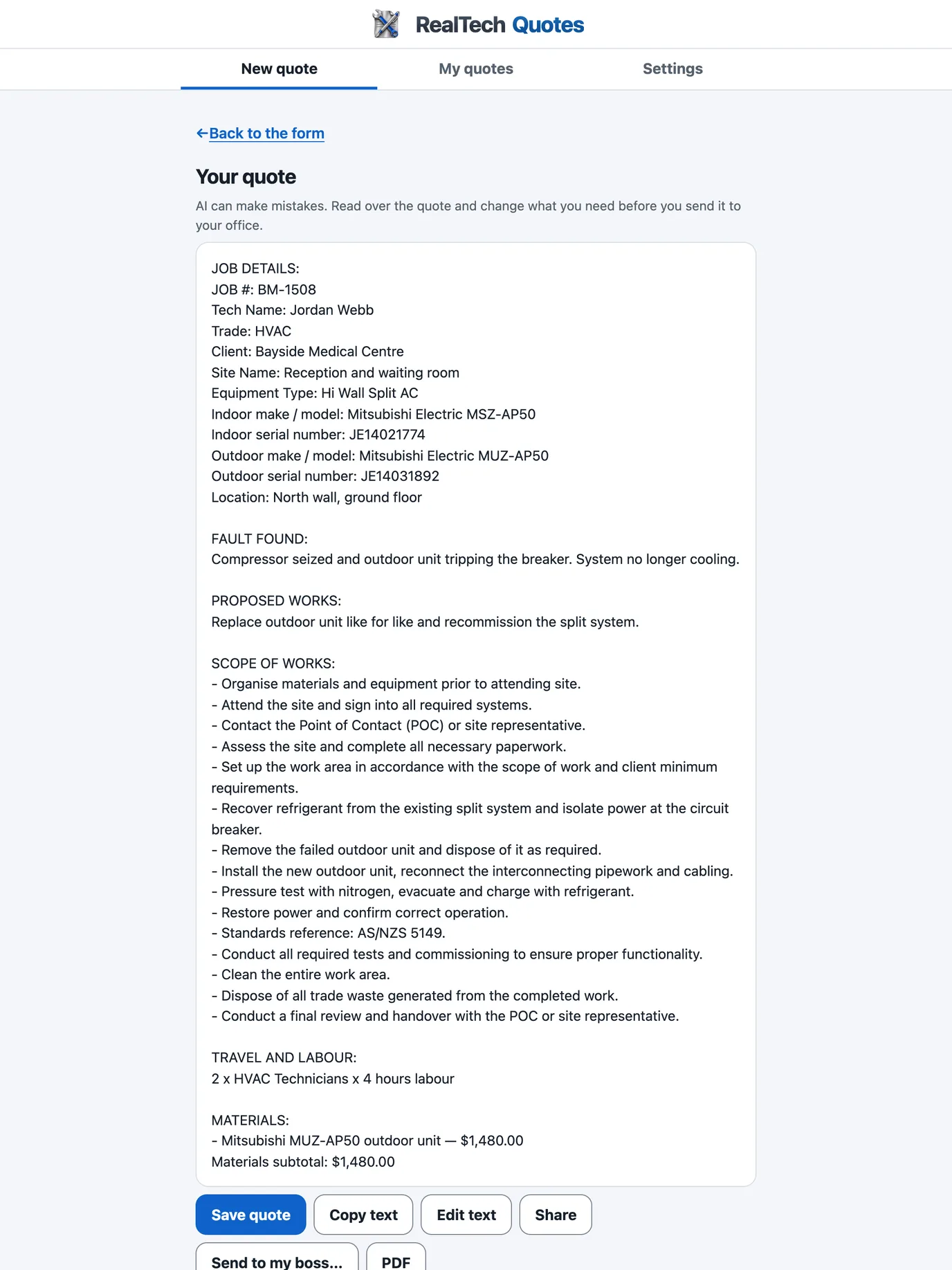
The same app on a bigger screen, with the whole quote in view.
Pick a trade and see how your rough job notes read as a quote. Free, with no sign-up.
AI can make mistakes. Check it before you use it.
Try it free for 14 days. Type your notes the way you already do and check what it writes.